
The short answer
The best eSIM for an older traveler is the plan that works with the phone, destination and comfort level of the person using it. Check that the device is eSIM-compatible and unlocked, install before departure when possible, and keep a simple backup plan for Wi-Fi or a physical SIM.
Best eSIM for older travelers: make the phone work before the plane leaves
An eSIM is only useful if the phone, destination and person using it are ready. The cheapest data plan is a poor choice when the device is locked, activation is confusing, coverage is weak or support is unavailable at the moment a traveler needs directions. So settle compatibility and a backup plan first, before you compare brands or prices.
Compare plans on destination coverage, the amount of data, how activation works, whether hotspot sharing is allowed, when the plan expires and how support is reached. Install while you are on reliable Wi-Fi at home, but do not change your primary line or data settings until you understand what each label on your phone means.
- An eSIM is a phone plan you download — there is no physical card to lose or swap.
- Install it at home on Wi-Fi, days before you travel, and switch it on after you land.
- Your phone must be unlocked and eSIM-capable; check both before you buy.
- Keep your home number active for texts from your bank and your airline.
What you need to check before you buy one
An eSIM is simple once it works, and confusing when one small requirement is missing. These are the four things to confirm first — each takes under a minute.
| Check | Question | Why it matters |
|---|---|---|
| Device | Is the phone eSIM-compatible and unlocked? | No plan can fix a locked/incompatible device |
| Coverage | Does the destination and route have service? | Airport, rural and island coverage differ |
| Activation | Can you complete the setup on your own? | A simple printed plan reduces stress |
| Backup | What happens without data? | Keep Wi-Fi, offline maps and primary line options |
A setup that survives a travel day
Before buying, check the exact phone model and carrier lock. Download or install the eSIM while you have stable Wi-Fi and label the lines clearly. Keep the primary number available for verification messages if needed, and decide which line carries mobile data after landing.
Data does not replace offline planning. Save your accommodation address, transfer details, emergency contacts and an offline map before you leave. If the eSIM fails, you should already know where airport Wi-Fi, a staffed phone shop or your original SIM can rescue the situation.
- Avoid a plan with too little data for maps, messages and support.
- Check hotspot, calls and SMS separately from data.
- Read expiry and refund conditions before activation.
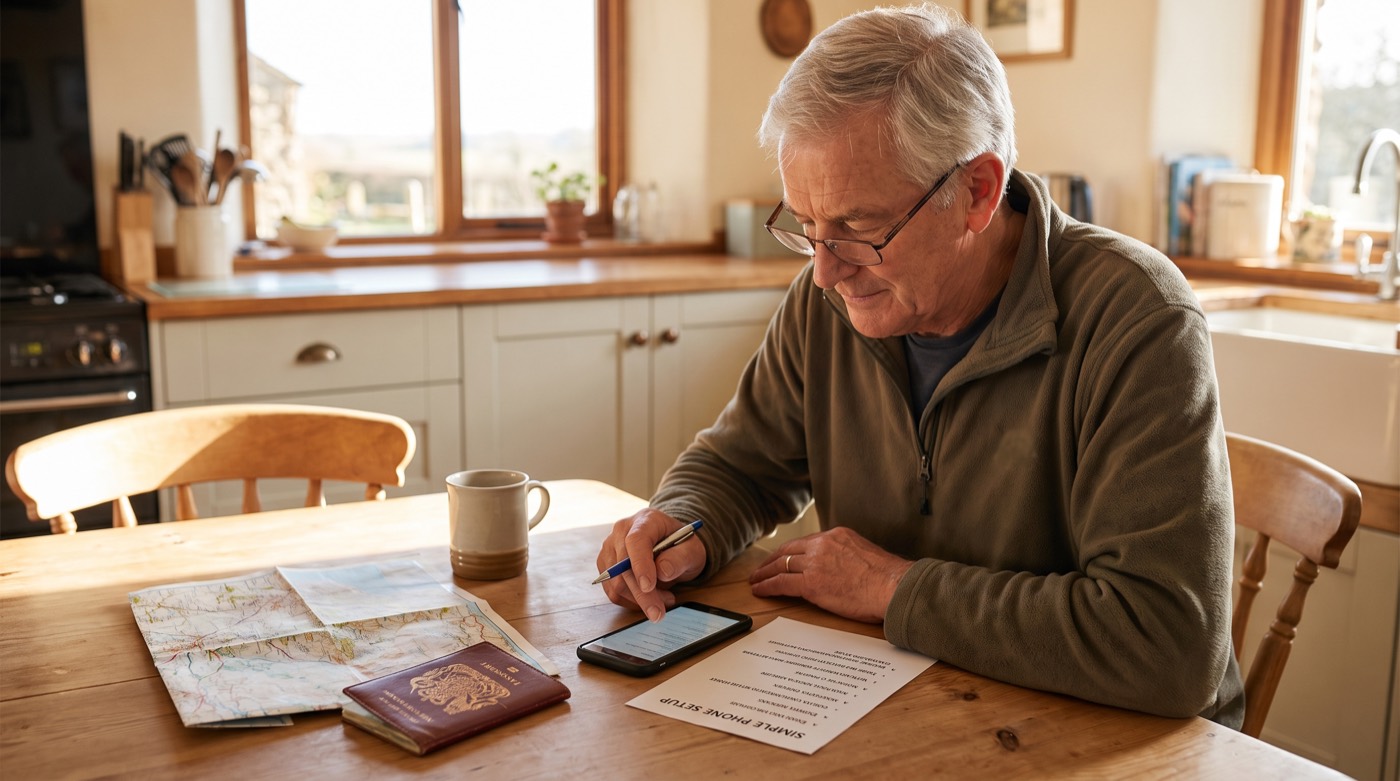
- Create a one-page setup note in plain language.
The setup, in the order it actually happens
Almost every eSIM problem comes from doing the right steps in the wrong place. The purchase and installation belong at home, on your own Wi-Fi, where you have time and help. Only the final switch belongs at your destination.
Follow this sequence and there is very little that can go wrong — and if something does, you will find out while you are still at home.
| When | What to do | Why then |
|---|---|---|
| A week before | Check your phone is unlocked and eSIM-capable | Leaves time to sort it out with your carrier |
| A few days before | Buy the plan and install the eSIM at home | Installation needs a stable Wi-Fi connection |
| Before you leave | Label the two lines clearly in your settings | So you can tell them apart when tired |
| After landing | Turn on the travel line, turn data roaming off for your home line | Prevents an unexpected roaming bill |
| During the trip | Keep the home line on for calls and texts only | Bank and airline messages still reach you |
Your eSIM checklist, in order
Here is the same process as a checklist you can follow while looking at your phone.
- Confirm eSIM support and carrier unlock status.
- Choose destination coverage and realistic data amount.
- Install on reliable Wi-Fi and label the line.
- Save offline maps, booking addresses and contacts.
- Set data roaming according to the plan’s instructions.
- Keep a Wi-Fi or physical-SIM backup plan.
What to keep as a backup
Technology fails at inconvenient moments, so keep one layer that does not depend on it. Downloaded offline maps of your destination, your hotel address written on paper, and your airline's phone number saved in your contacts will get you through almost anything.
It is also worth knowing where free Wi-Fi is likely to be — airports, hotel lobbies, larger cafés — so that a phone problem is an inconvenience rather than a crisis.
- Download offline maps before you leave home.
- Write your hotel name and address on paper and keep it in your wallet.
- Save your airline's contact number as a phone contact, not just a bookmark.
- Carry a small power bank; a phone with no battery is the real risk, not the plan.
Watch this on our channel
The same subject, explained on screen — from our Over 60 Travel Secrets channel.
Delete This NOW: Airport Phone Checks (New 2026 Rules)
More videos on the Over 60 Travel Secrets channel →
Questions people ask
What should I check before buying an eSIM?
Confirm the phone is eSIM-compatible and unlocked, then check destination coverage, data, activation and support.
Should I install an eSIM before departure?
Usually install while reliable Wi-Fi is available, but label the lines and understand the data settings before switching.
Do I still need offline travel information?
Yes. Save addresses, maps, contacts and booking details because any data plan can fail.
What is a good backup?
Keep Wi-Fi options, the primary line instructions, offline maps and—when practical—a physical SIM or staffed support location.
Sources & how we keep this current
Rules, fees and programs change. These are the official pages we check — go to them for the version that applies on your travel date.
Last reviewed: September 7, 2026. We re-check every guide quarterly and immediately after an official rule change.